Smile at your phone. That's it.
An outline finds your teeth and checks the distance, angle and light, then takes the shot by itself when everything lines up.
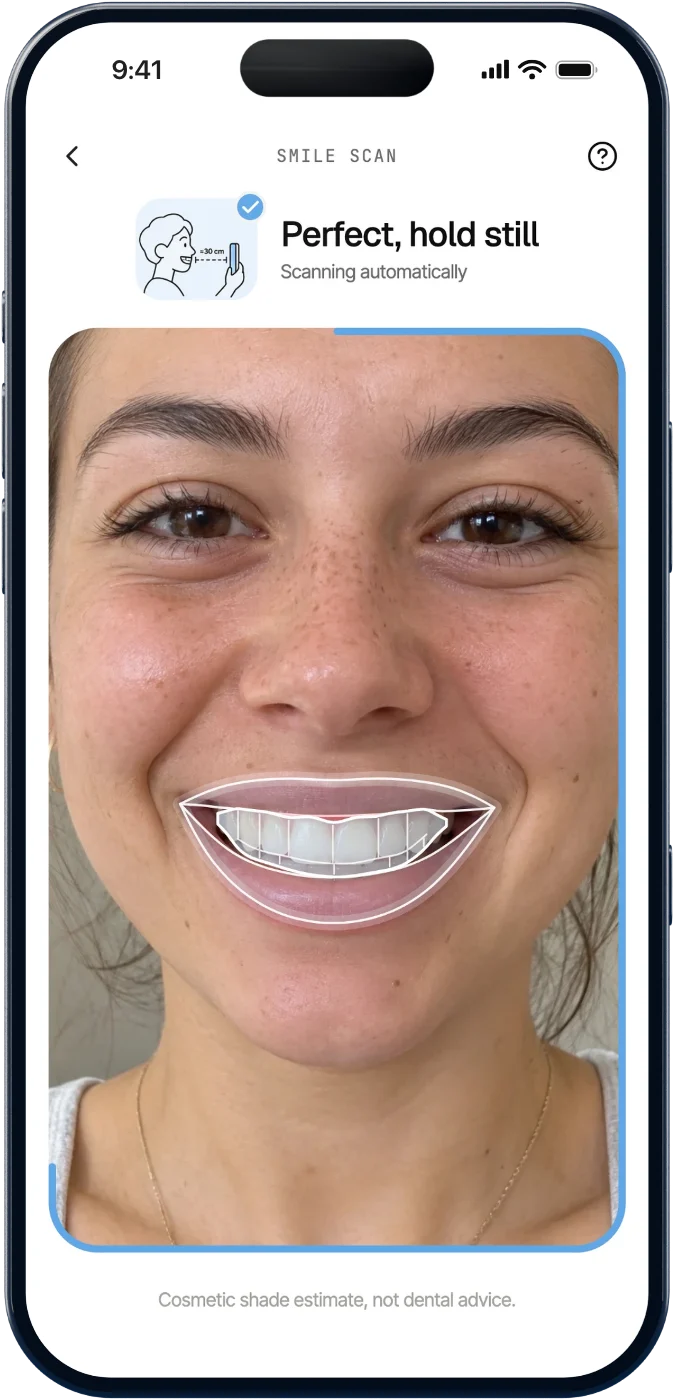


Scan your smile in 30 seconds. Whitepoint reads your shade, scores it out of 10 and builds a 90‑day plan around the toothbrush you already own.
An outline finds your teeth and checks the distance, angle and light, then takes the shot by itself when everything lines up.
Whitepoint measures brightness, maps your shade and compares evenness across your smile. It all happens on your iPhone.
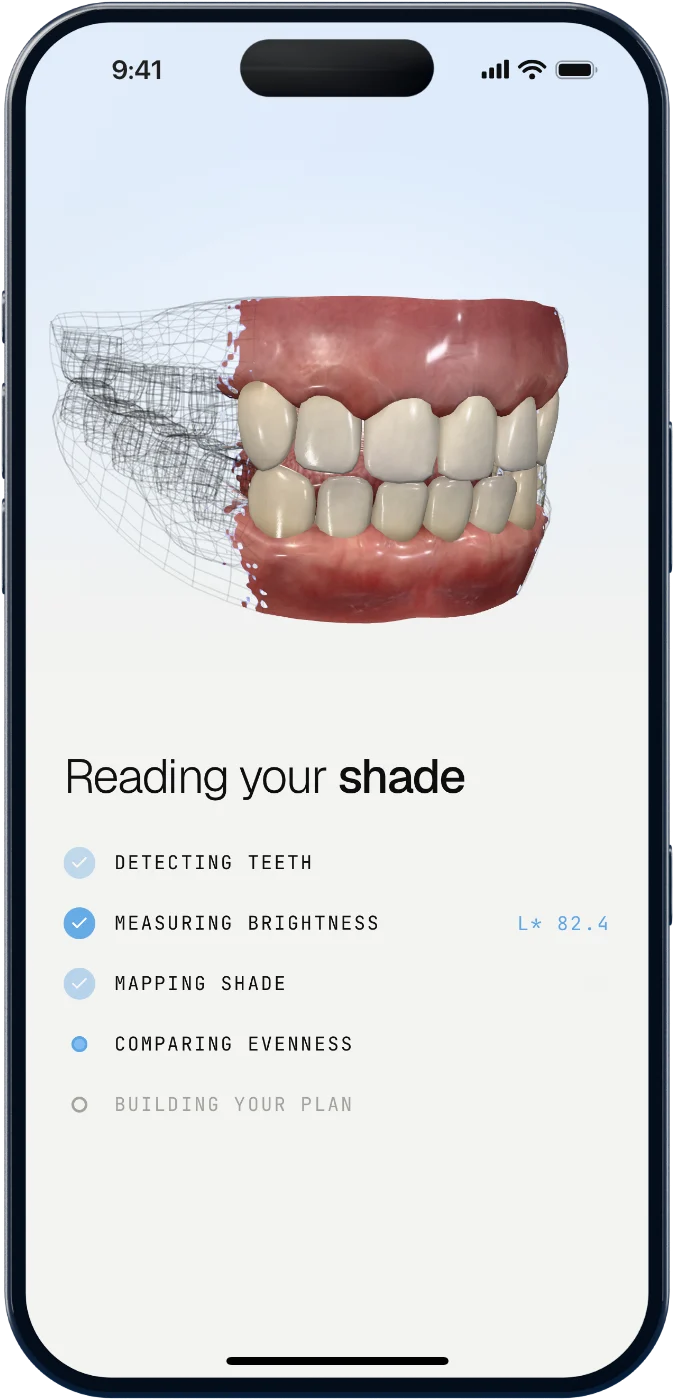
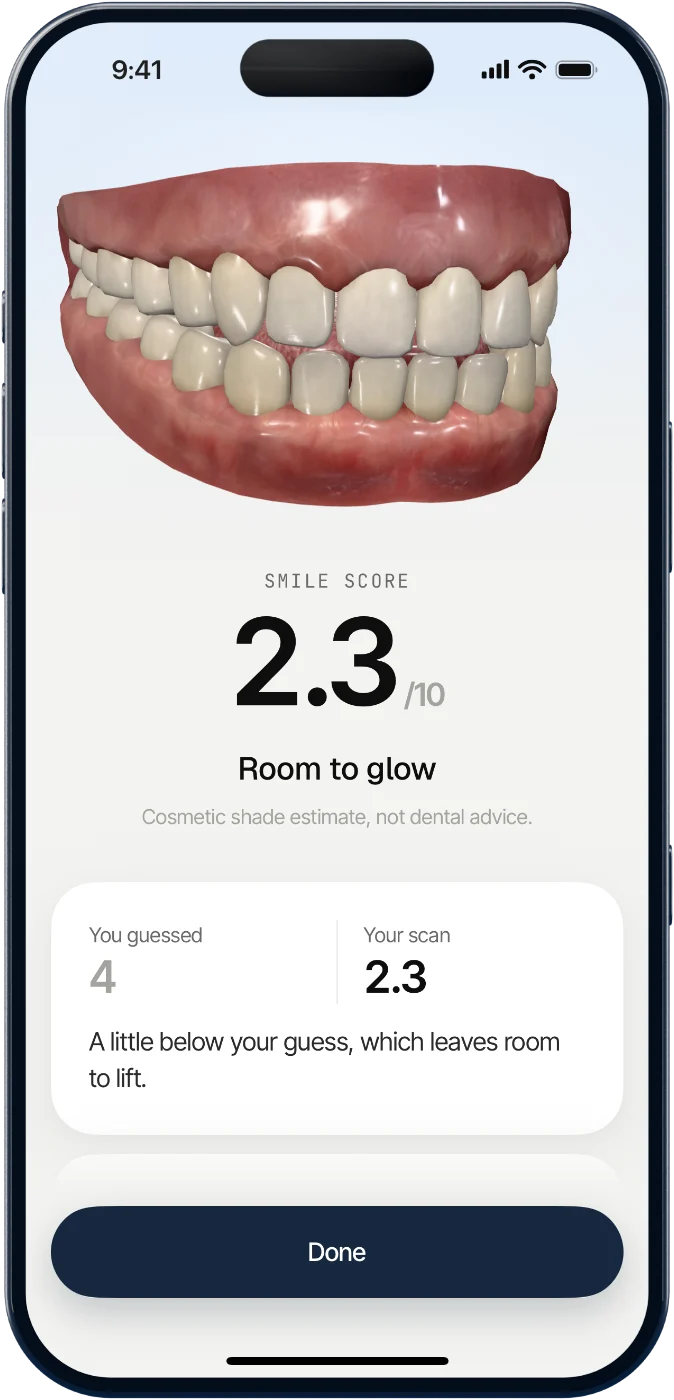
You get a Smile Score out of 10 and your shade on a 3D model of a smile. Guess first if you like, and see how close you were.
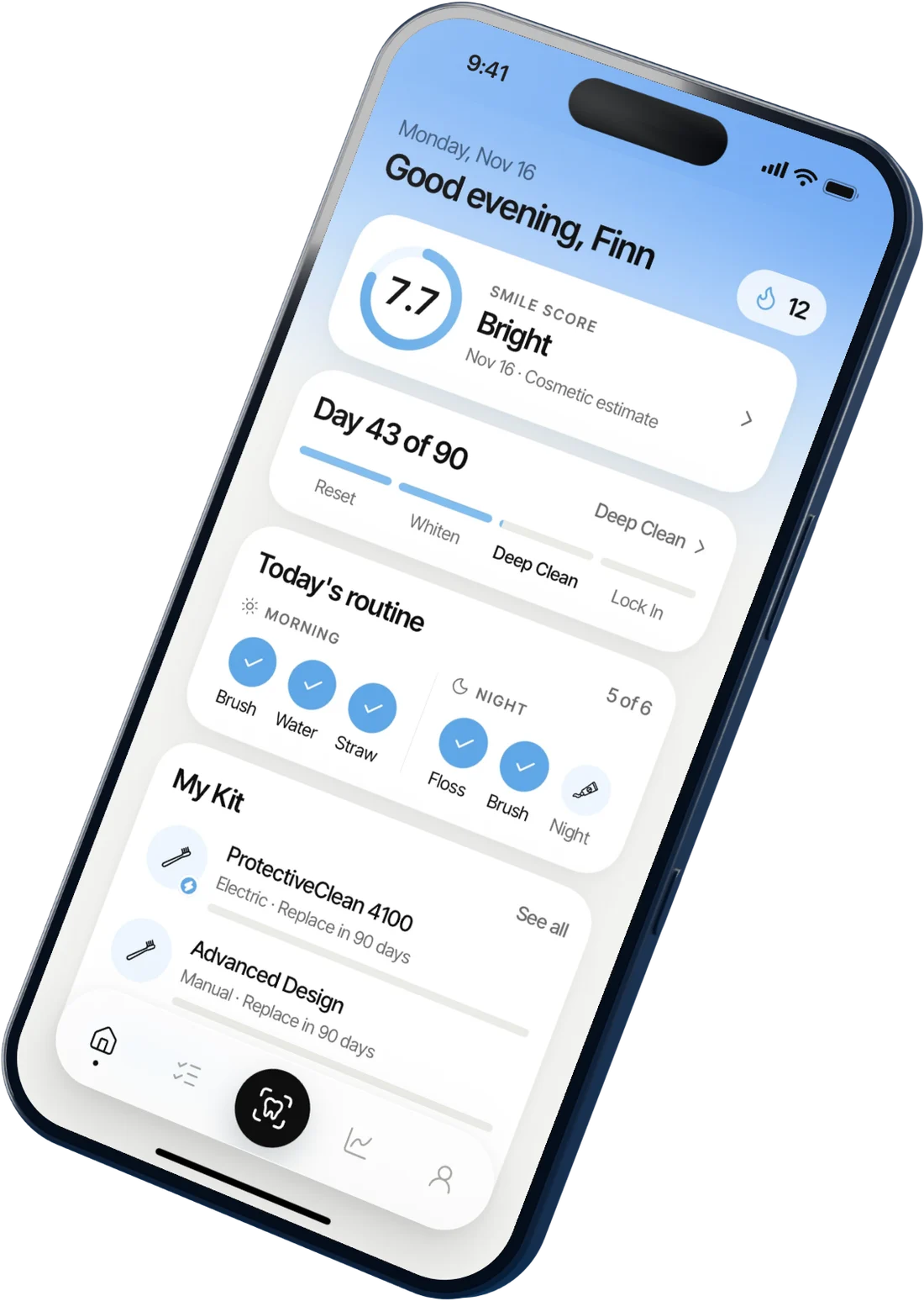
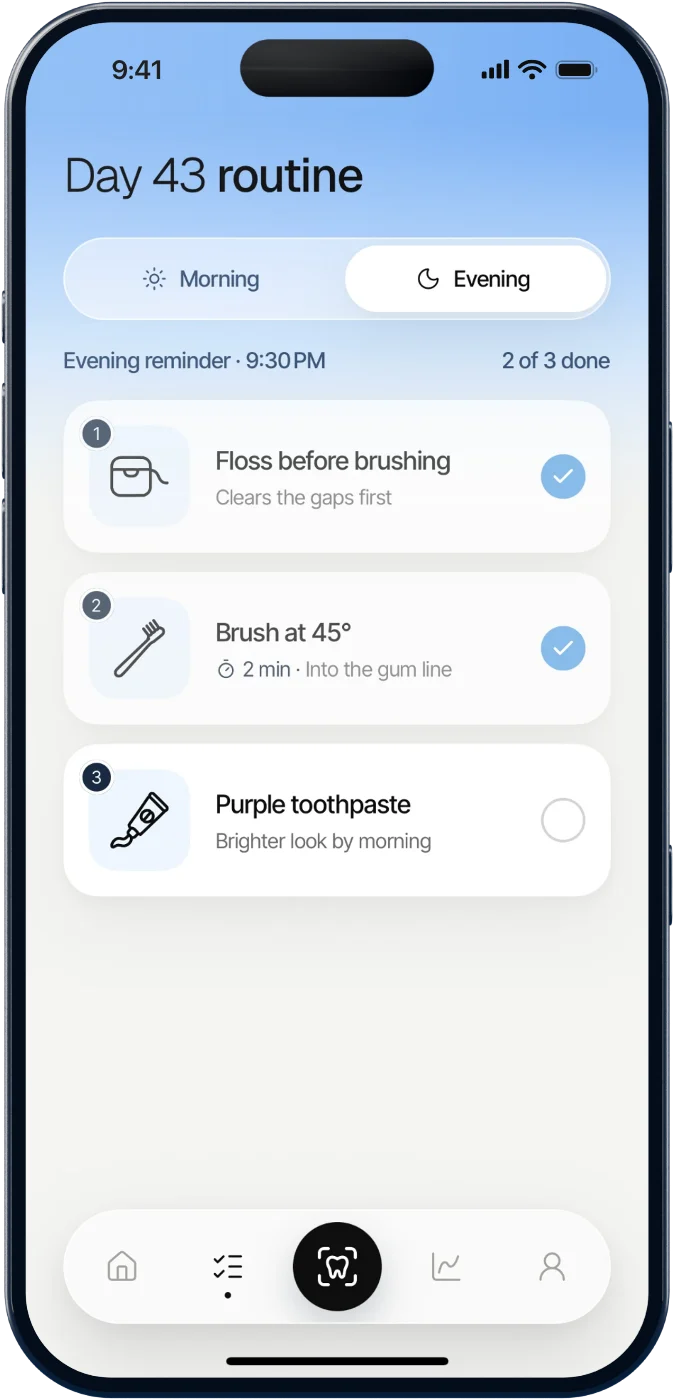
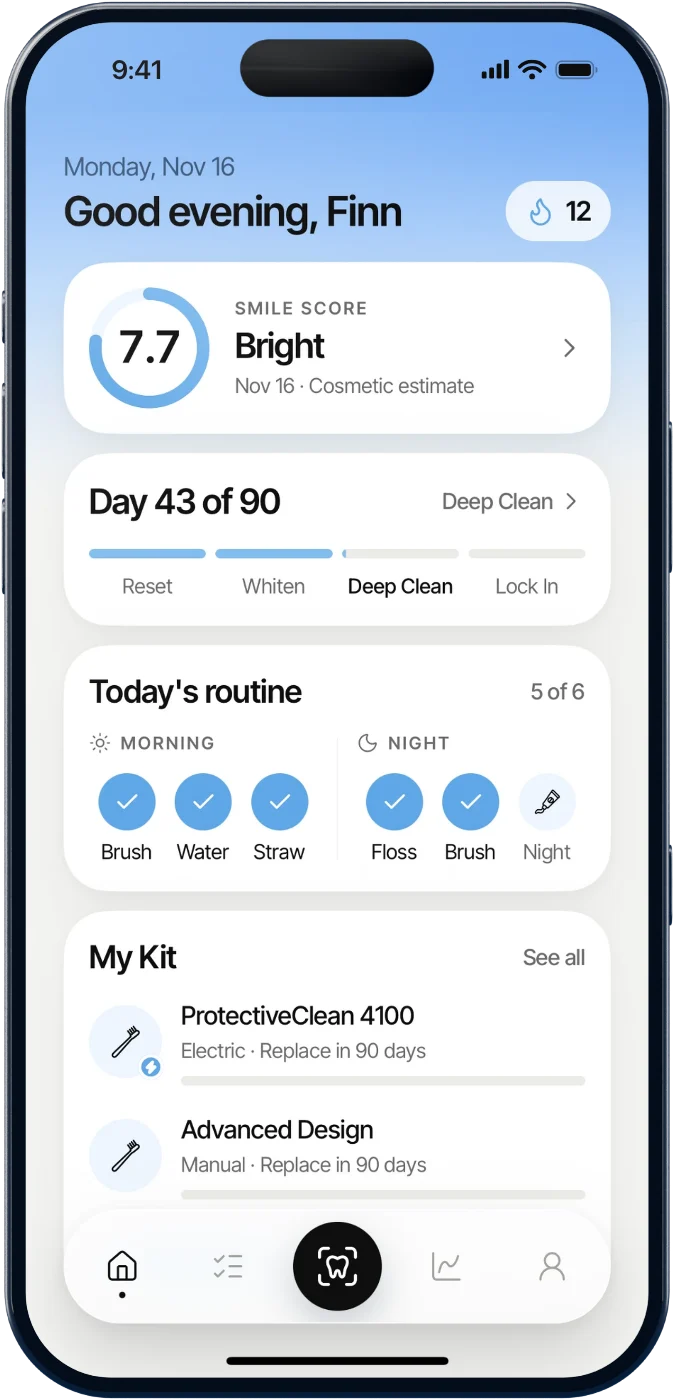
Four phases: Reset, Whiten, Deep Clean and Lock In. Each morning and night you get a short list of steps, in order, with the reason for each one.
Pick where you'd put yours. The app asks the same question before your first scan, then shows you how close you were.
Download on theApp Store
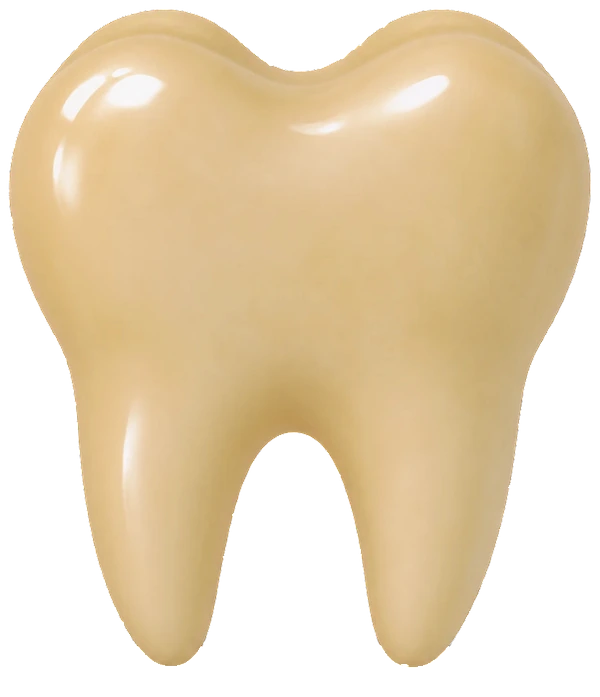
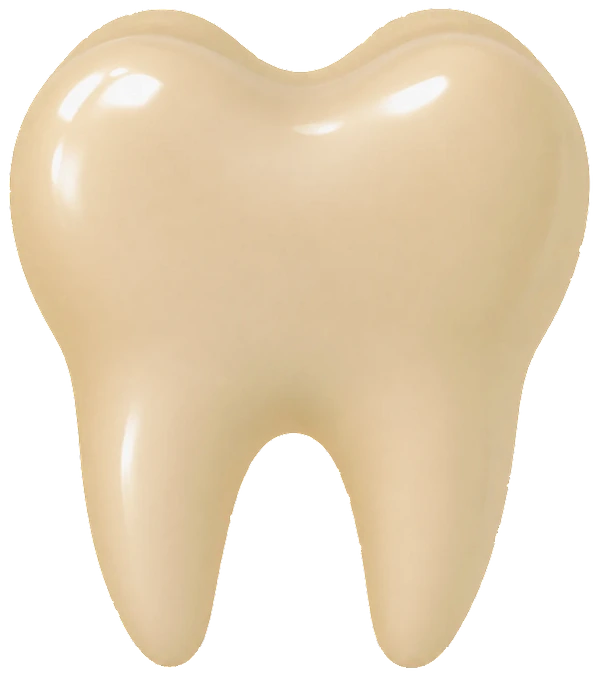
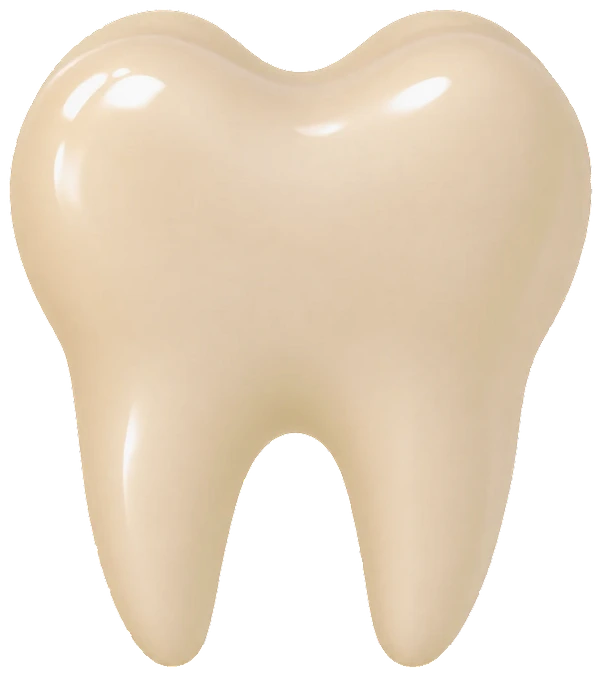
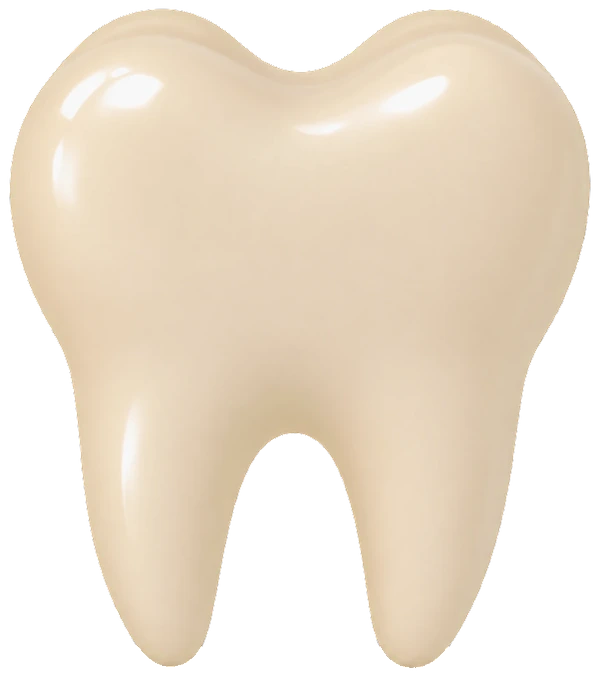
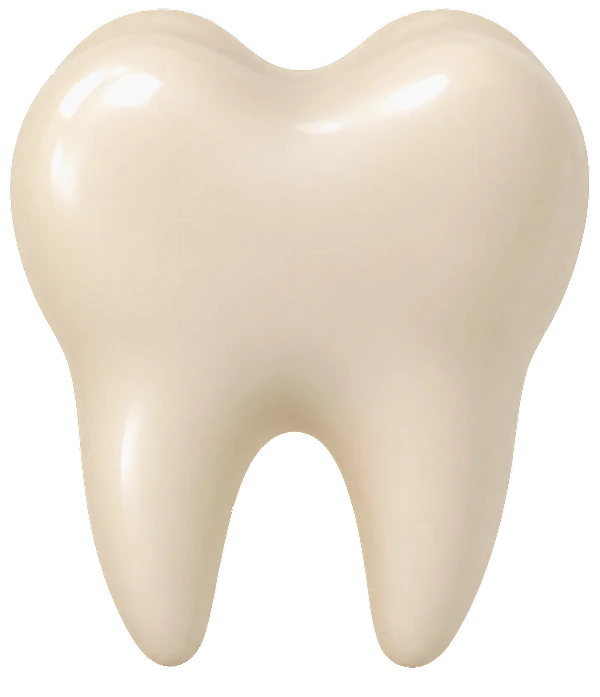
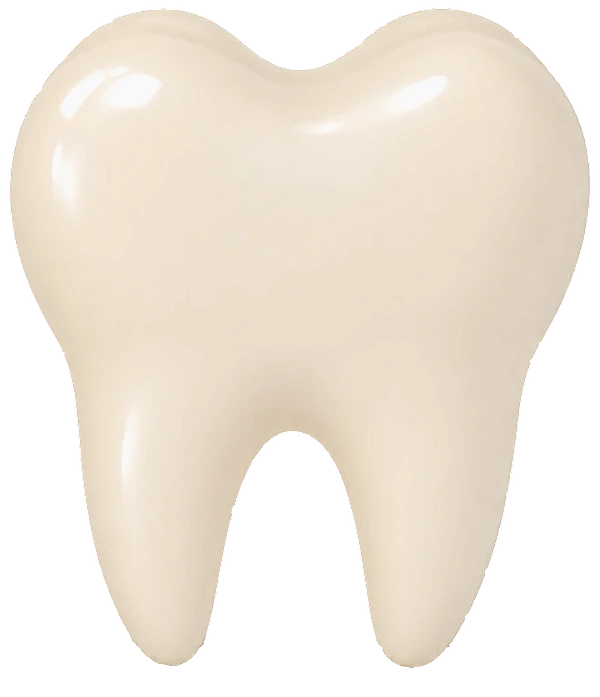
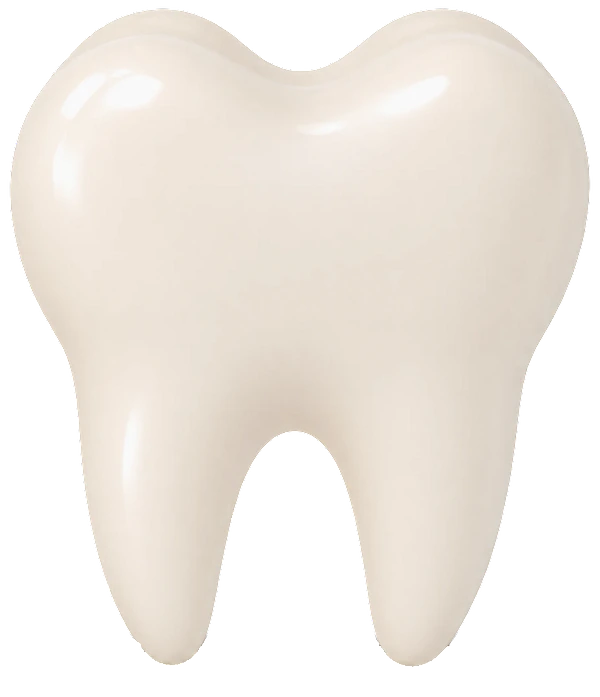
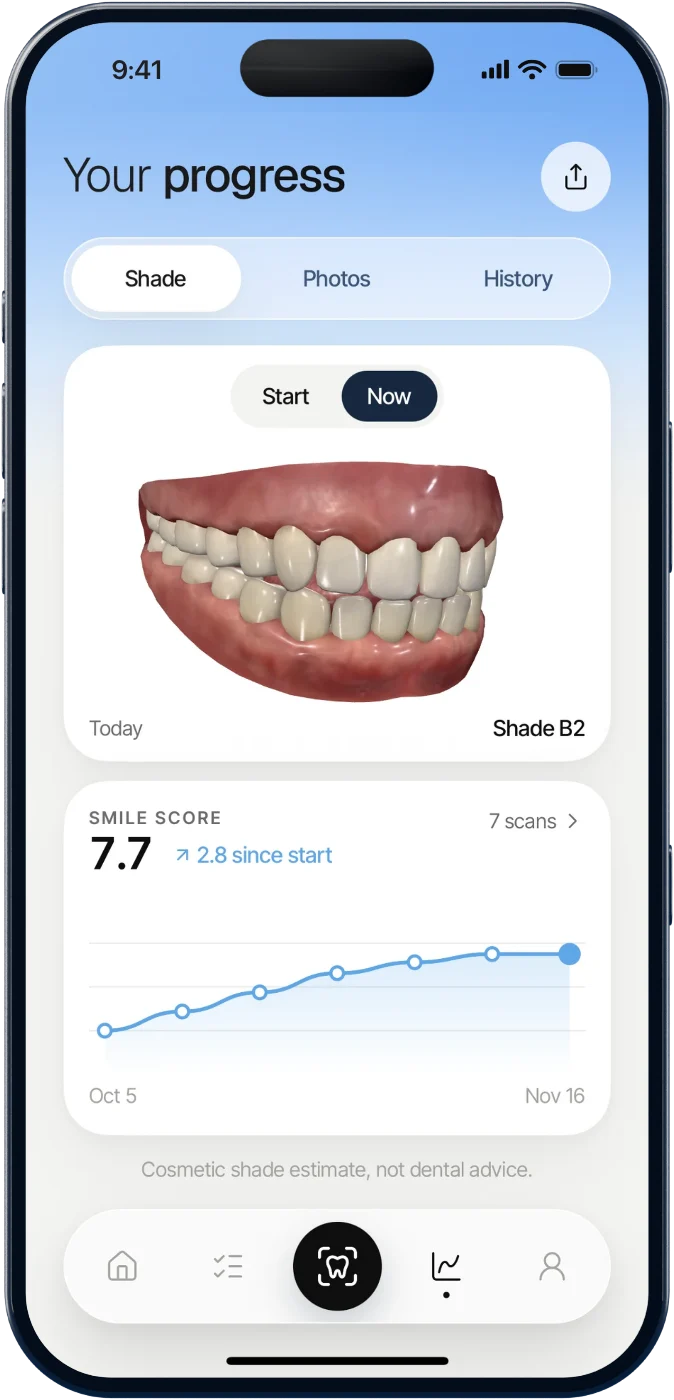
Rescan each week in the same light. Your 3D smile, your score and your photos update, so the change is something you can see.
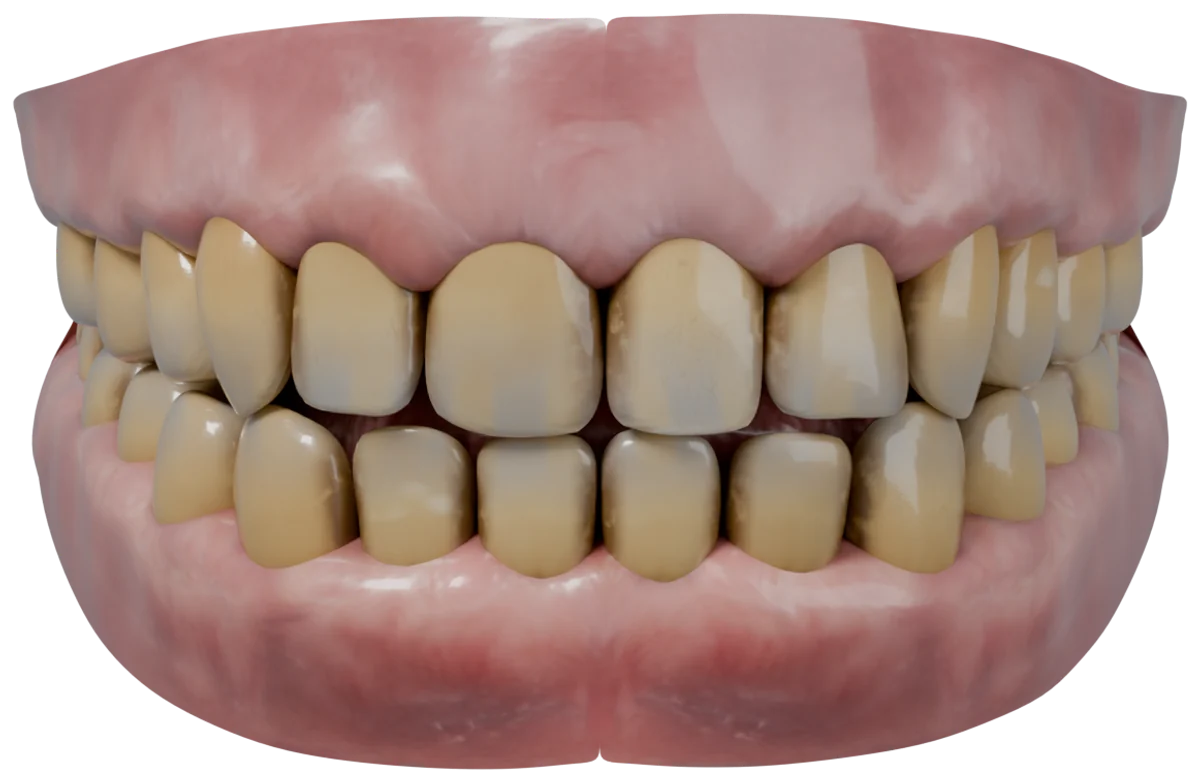
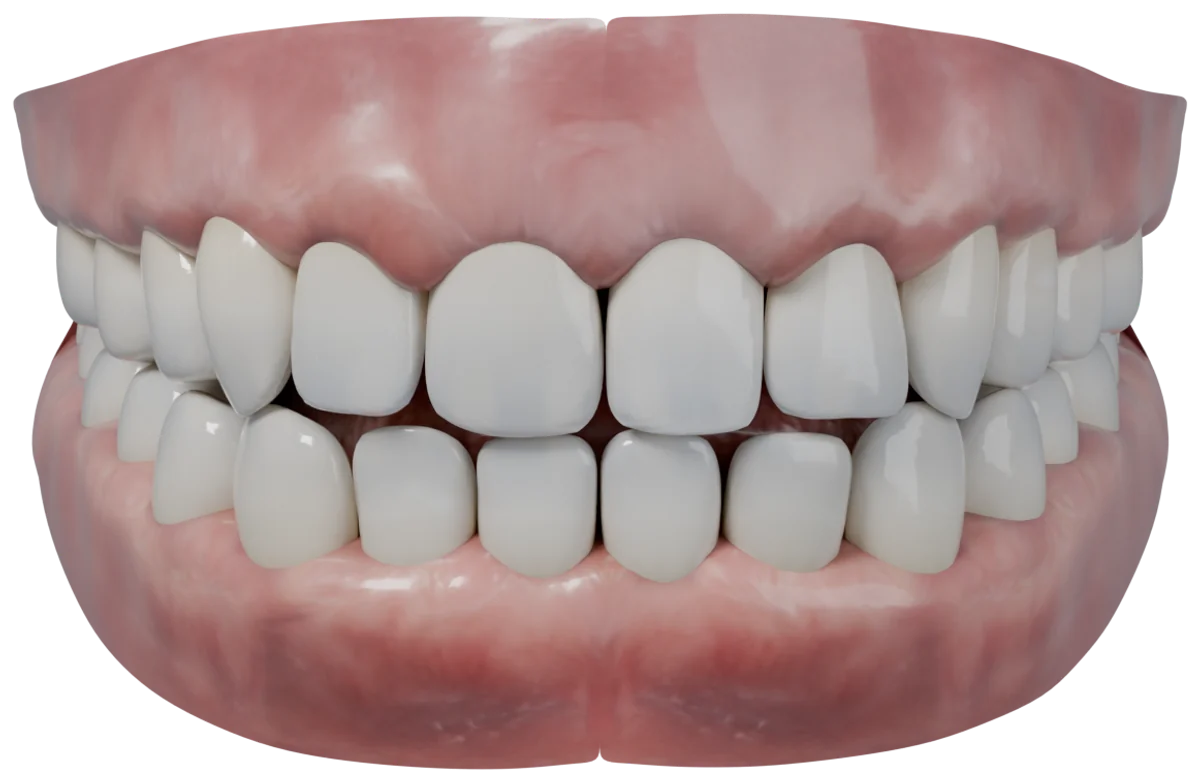
Illustration of the app's 3D shade model. Results vary from person to person.
Your score over time, your shade at the start and now, and before and after photos lined up to your smile.
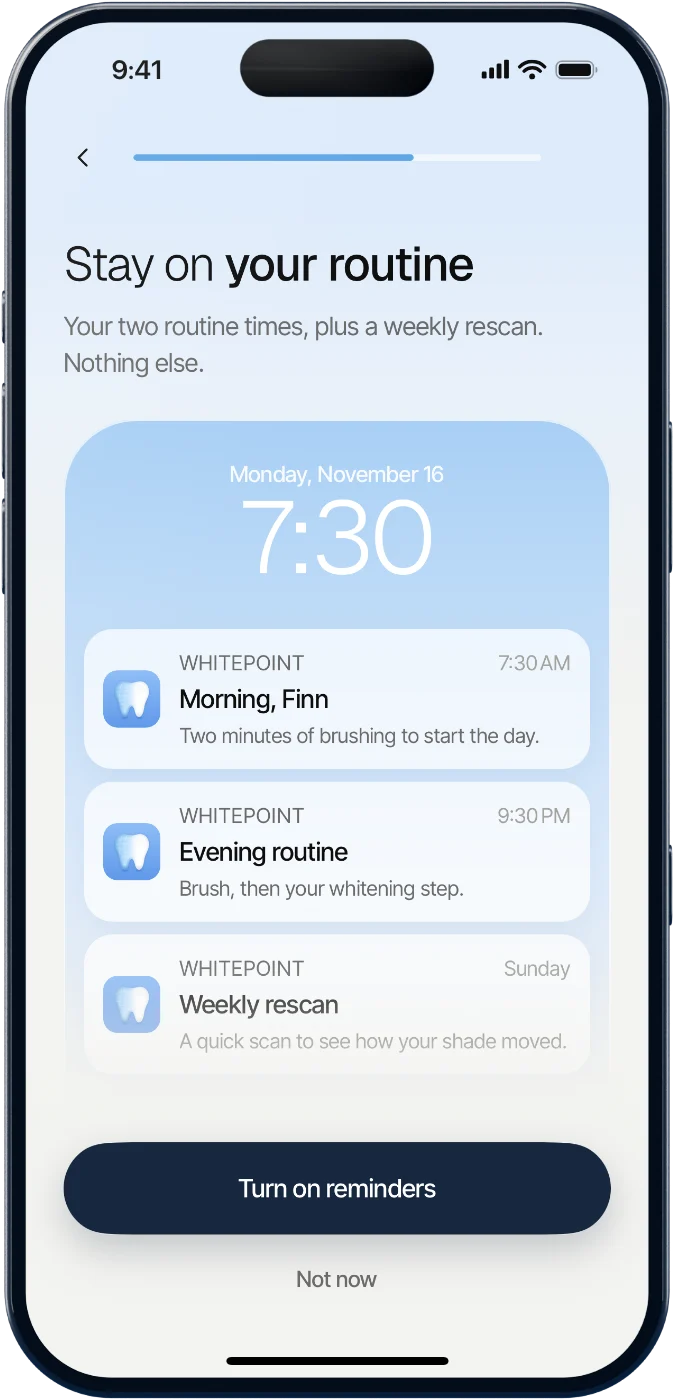
Morning, evening and a weekly rescan. Change the times whenever you like.
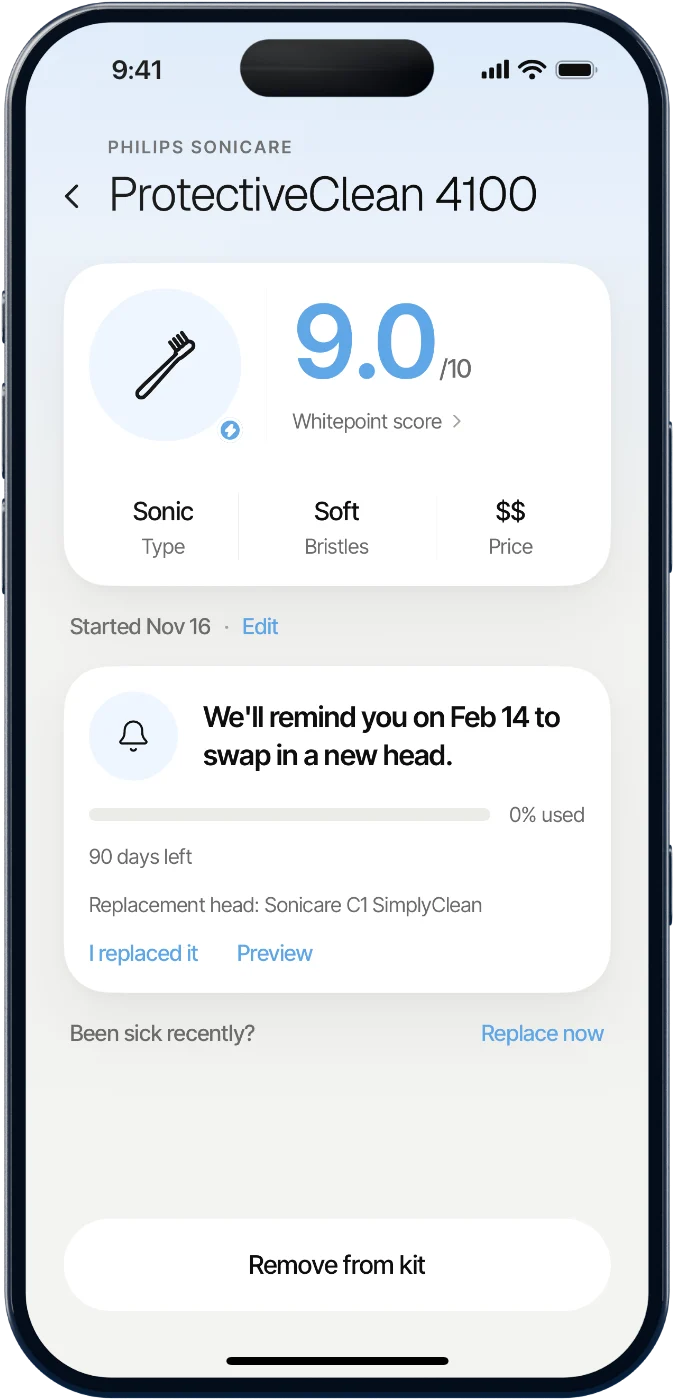
Add your toothbrush and toothpaste to see how they rate, and get a reminder when it's time for a new brush head.
Your score, where you are in the plan and what's left today, all on one screen.
Your smile is analysed on the device. The photo itself is never uploaded.
Scores, shades and your routine are saved to your account, so a new phone picks up where you left off.
One tap in Profile deletes your account and everything in it.
No. Whitepoint gives a cosmetic estimate of your shade and brightness. It isn't dental advice and doesn't replace a visit to your dentist.
Light changes how teeth look, so the scan checks distance, angle and lighting before it takes the shot. Scanning in the same spot each week keeps your results comparable.
No. Your plan works with the toothbrush and toothpaste you already have. Add anything new to your kit whenever you like.
Whitepoint is a subscription with weekly and annual plans. The annual plan starts with a free trial. You'll see the price in the app before you subscribe, and you can cancel any time in your Apple ID settings.
Only on your iPhone. Your account keeps the numbers, like scores and shades, so your history comes with you to a new phone. Photos stay on the phone that took them.
Yes. Go to Profile, then Delete account. Your answers, scores and routine are removed from your account and from the phone. A subscription is managed by Apple, so cancel it in your Apple ID settings too.
iPhone. You'll need the front camera for scans.
Find your shade today. Start your plan tonight.
Download on theApp Store Annual plan starts with a free trial